Introduction
In-Play Scanner
Strategies
Alerts
Account
Glossary
In-Play Scanner
Data Customization
Last updated
The in-play scanner is designed to adapt to how you analyse matches. You can decide which statistics are visible so the information you rely on most is always easy to scan at a glance.
Why this matters: fewer, well-chosen columns make patterns easier to spot and reduce visual noise during live matches.
How to show or hide columns
Use the Stats button in the scanner toolbar to control which columns appear.
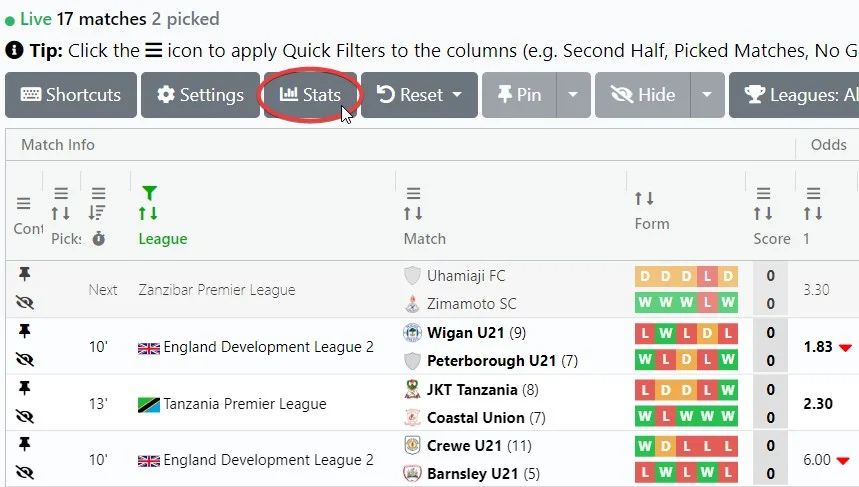
A menu will open listing all available statistics. Toggle items on or off to shape the scanner to your workflow.

Tip: Start with fewer columns and add more only if you truly use them.
A cleaner scanner makes live situations easier to interpret.